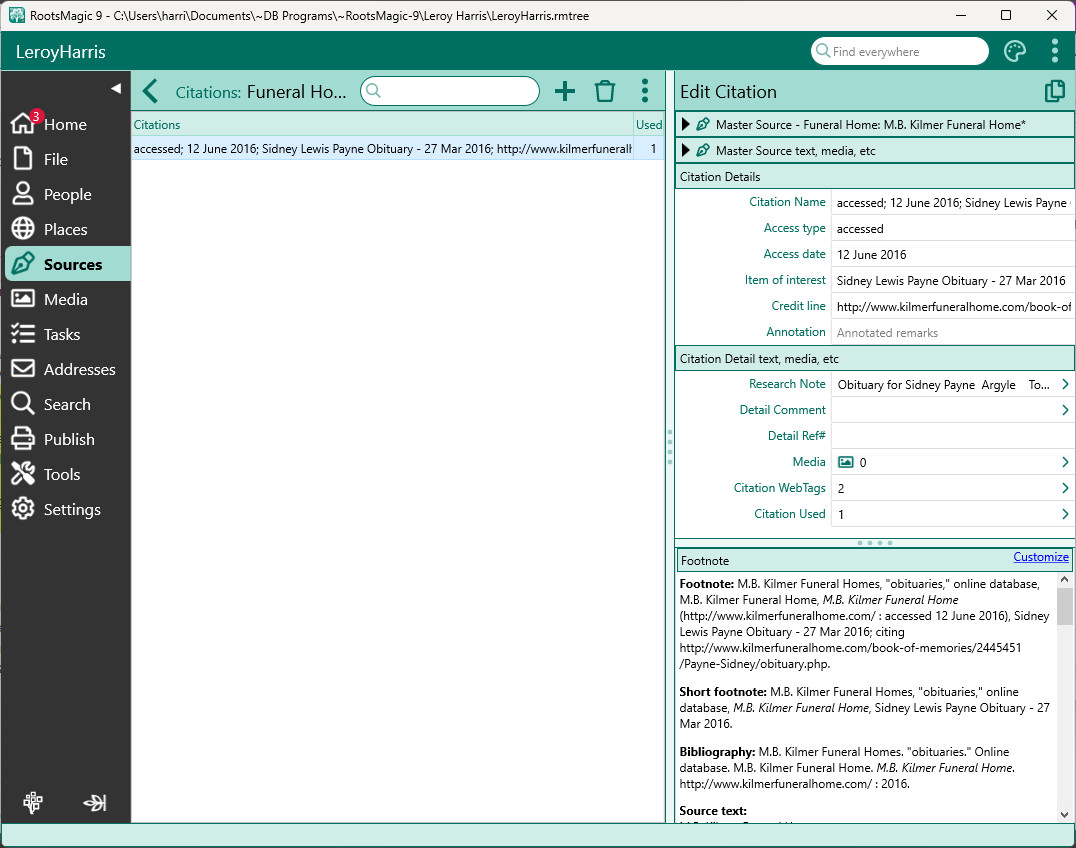
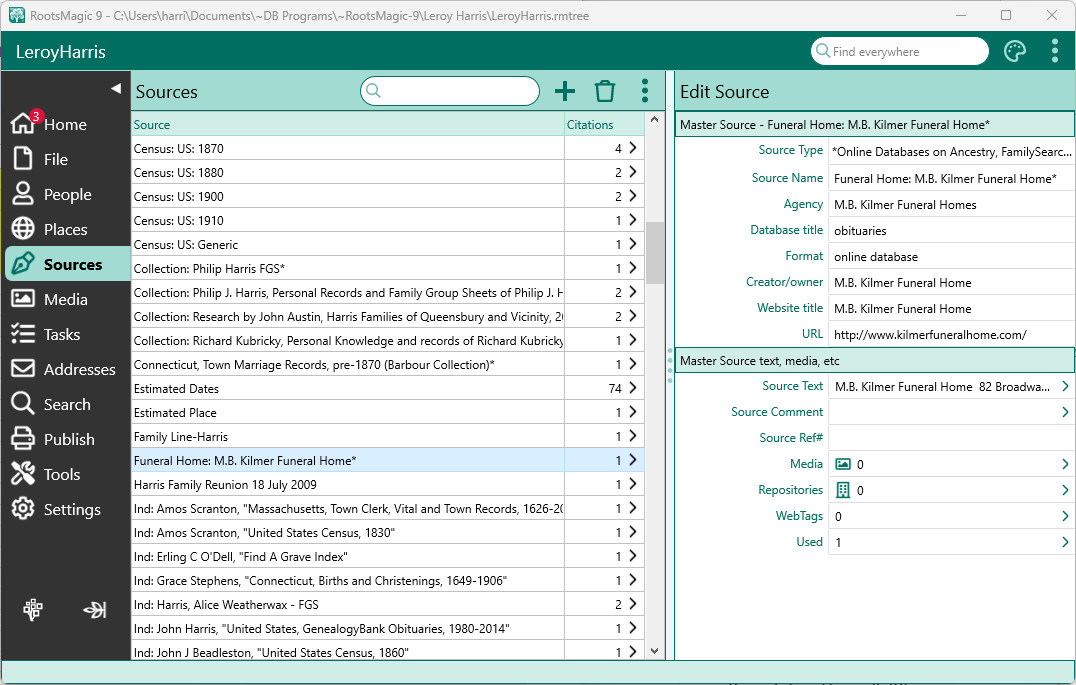
When you select the Sources page you will see an alphabetical list of all the sources in your file, as well as the number of citations for each source.
Source List
You can select any source to see the full details of the source on the right side of the Source Page, including source fields, media attached to the source, repositories for the source, WebTags attached to the source, and a list of places where the source is used.
Citation List