The Tools page includes many of the most frequently used tools in RootsMagic.
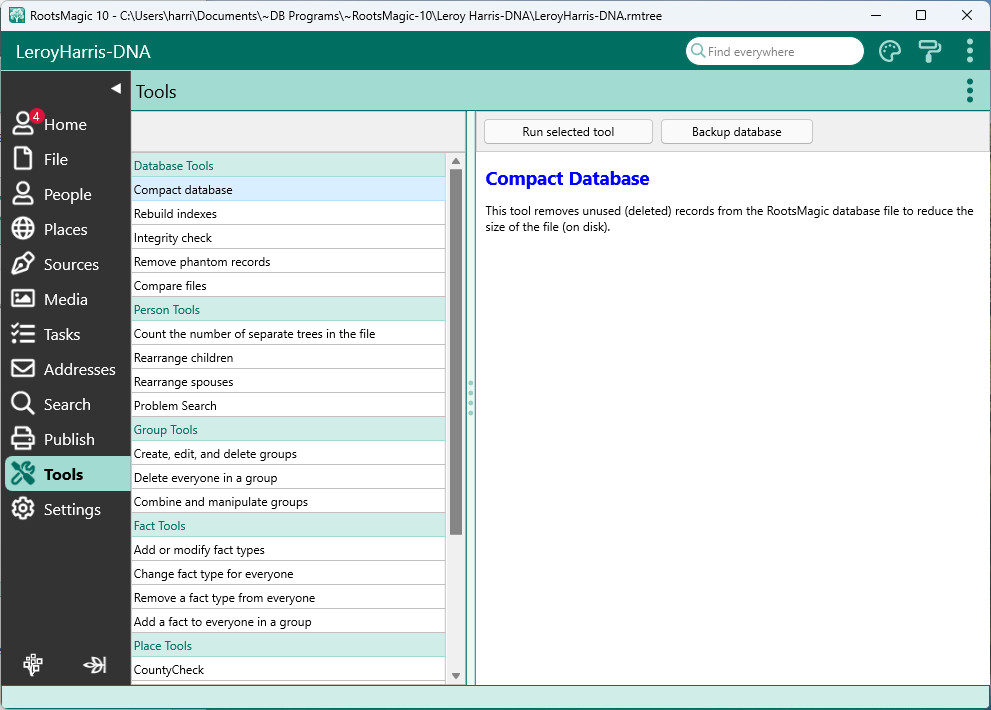
Tools List
The list of tools is grouped by the type of data each tool acts on. As you select a tool in the list, RootsMagic will display what that tool does on the right side of the screen. To use a tool, highlight the desired tool and click the Run Selected Tool button.
Some tools, if used incorrectly, can negatively affect your database. These tools will display a message in red to that effect, and will remind you to make a backup of your file first. The Backup button on the Tools page lets you directly create that backup.
Tools
•Comparing Two RootsMagic Files
•Rearranging Children and Spouses